
Guide
The best ways to see your year at a glance
To see a whole year at once you can use a dedicated annual calendar app like Yearfully, the year view built into Google or Apple Calendar, a printed wall planner, or a spreadsheet. A dedicated app shows your real events across the year and stays up to date; printables and spreadsheets are simple but manual.
Open Yearfully, free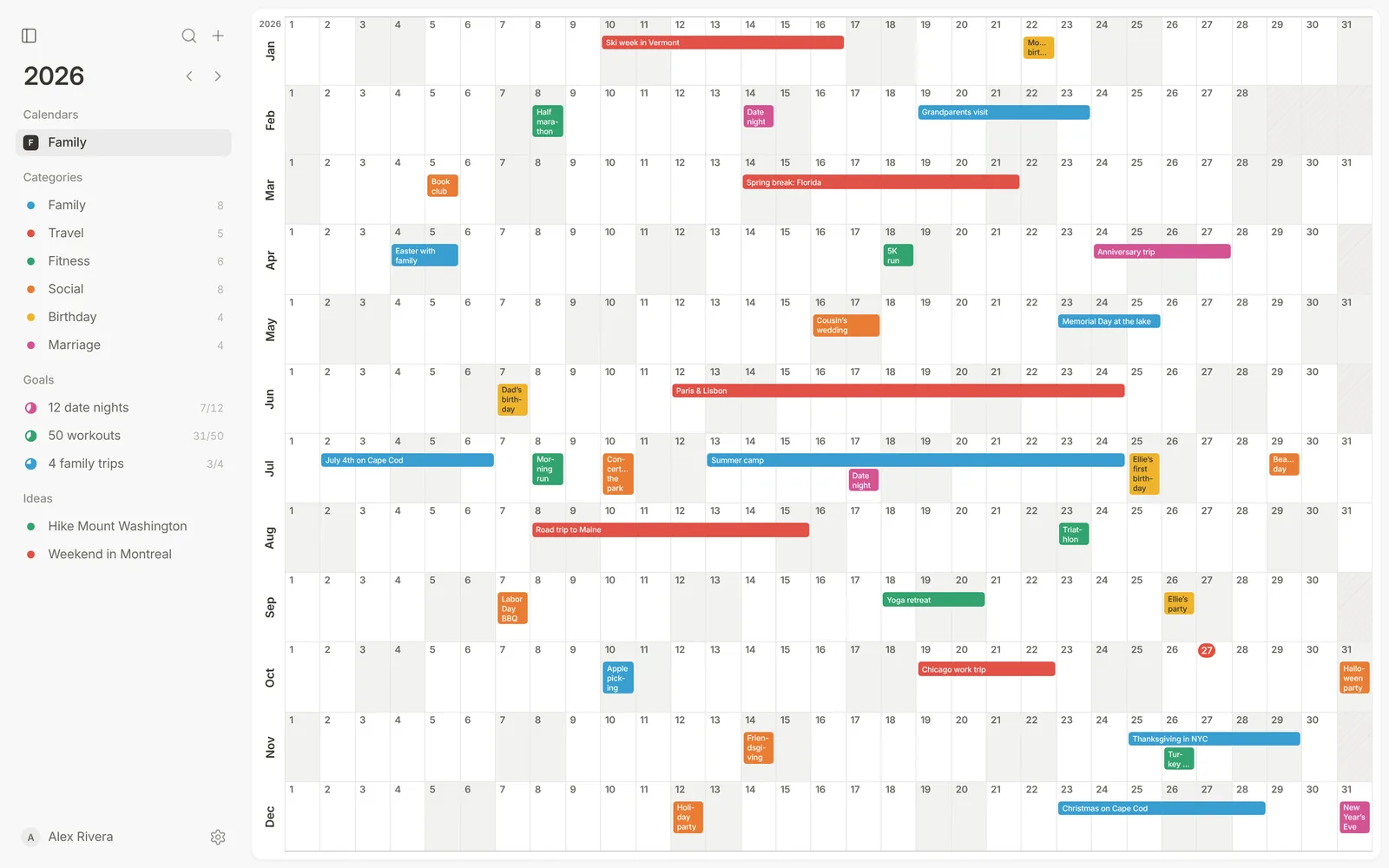
| Option | Shows your events across the year | Shared and synced | Cost |
|---|---|---|---|
| Yearfully | Yes, as bars on a one-page year | Yes, with Google Calendar sync | Free |
| Google or Apple Calendar year view | Shows the months; details are in other views | Yes | Free |
| Printed wall planner | Yes, by hand | No | Free to a few dollars |
| Spreadsheet | Yes, by hand | If shared | Free |
What to look for
- Every day of the year visible at once, not twelve tiny boxes.
- Multi-day events drawn across their days.
- Easy to change: dragging beats erasing.
- Shared with the people you plan with, and usable on a phone.
Yearfully
A free annual calendar built around the one-page year, with categories, goals, an ideas list, shared calendars and Google Calendar sync.
Paper and spreadsheets
A printed year is great on a wall, and you can print a blank 2027 calendar for free. A spreadsheet is flexible but fiddly to keep in step with your real calendar.
Questions
- What is the best app to see the whole year?
- An app made for the year view, like Yearfully, shows your events across all twelve months on one page; most calendar apps’ year views only show the months.
- Is there a free year-at-a-glance app?
- Yes. Yearfully is free and works in the browser on desktop and phone.